

To navigate from page to page swipe horizontally (to move one page back or one page forward)

To zoom in or out double-tap on any part of the page. This will result in a 2x zoomed view of that specific part. Double-tapping again will return to the full page

Pinch in or out until you reach the desired size

To display the navigation tools tap on the magazine once

Return to Library


Bookmark the article

Change to Text View
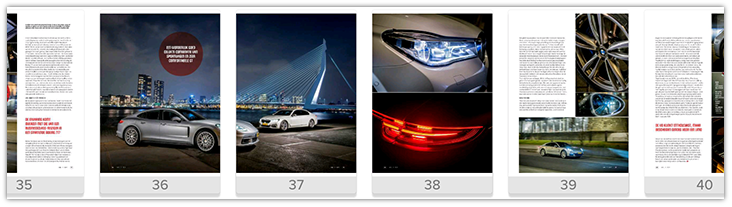 The Navigation Bar (Scroll to the left or right and then tap on the page you wish to read)
Comments
0 comments
Please sign in to leave a comment.